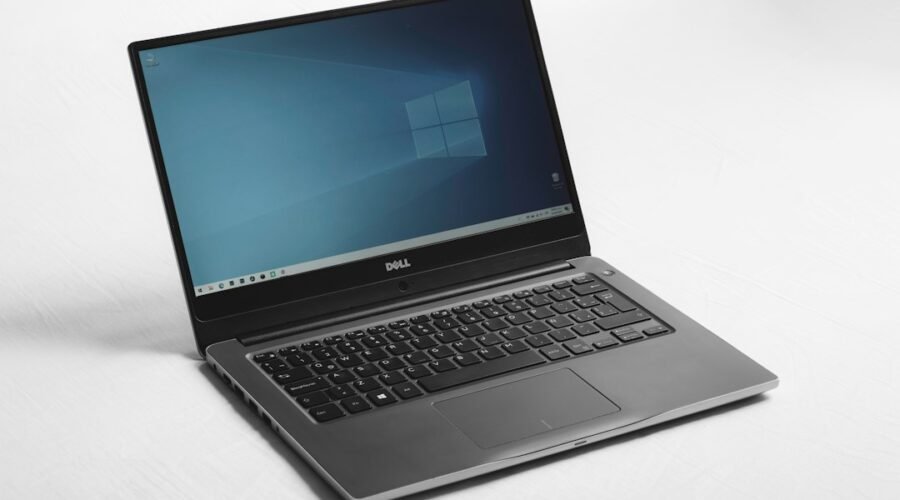
Microsoft has started rolling out Windows 11 version 26H2, and for most people the upgrade takes only a few minutes. The update became available on September 29, 2026, and it is arriving in phases through Windows Update, so your PC may not see it yet.
A Small Update With a Long Feature List
26H2 is delivered as an enablement package, the same method Microsoft used for 25H2. Because the underlying code is the same as 24H2 and 25H2, the files are mostly on your PC already and the update simply switches them on. No reinstall is needed, and there are no new hardware requirements for PCs that already run a supported version of Windows 11.
That also means you may have some of these changes already. Microsoft has been shipping features through monthly updates all year, and 26H2 bundles them together and turns on several that were off by default.
What Changes on Your Desktop
The most visible change is a redesigned taskbar and Start menu. You can finally move the taskbar to a different edge of the screen, and Start now offers Small, Large and Automatic size options.
Search gets more control as well. You can limit what it shows and switch off web results, which cuts down the clutter many people have complained about. File Explorer has a cleaner right-click menu that brings back some of the older options, along with new AI actions for files.
Security and Everyday Fixes
On the security side, 26H2 adds stronger protection for Windows Hello sign-in and a feature called Administrator Protection, which separates administrative privileges and profiles so that malicious software has a harder time gaining full control. Windows settings backup is now switched on for more users, and the release improves multi-app camera access, shared Bluetooth audio, networking and recovery.
More AI Inside Windows
As expected, AI keeps moving deeper into the operating system. The Settings app gets AI features, and Task Manager can now show AI tasks and NPU activity, which is useful on the new Copilot+ PCs. The same push is happening across the industry. Apple is putting Siri AI into the living room with its new HomeView smart display, and the models behind these tools keep growing, as we saw with OpenAI’s GPT-6 Astra.
How to Get It
Open Settings, go to Windows Update and check for updates. If 26H2 is offered, you can download it right away instead of waiting for Microsoft to push it to your device. The update renews Microsoft’s support window by 24 months for consumers and 36 months for organizations.
One note for owners of new Snapdragon X2 laptops: those devices run a separate branch called 26H1, which will not move to a new release until 2027. Everyone else on 24H2 or 25H2 can simply update and carry on.