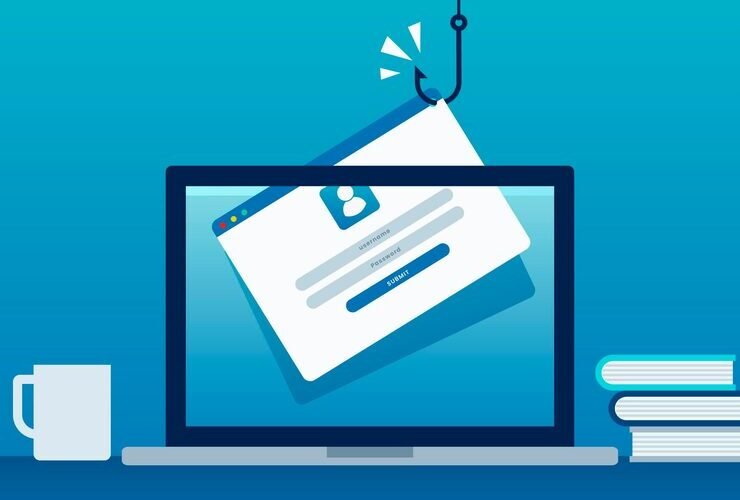
It is a busy Tuesday morning and an email lands in your inbox. It looks like it is from your bank, or your delivery company, or your boss. It says there is a problem and you need to act right now. You are tired, you are in a hurry, and the button looks harmless. You click.
That tiny moment is exactly what criminals count on. Phishing scams remain one of the most common ways people lose money, accounts and personal information online. They aren’t clever because of technical tricks. They work because they play on human nature: trust, fear, curiosity and urgency. The good news is that you can learn to recognize them. This guide explains how they work, how to protect yourself and what to do if the worst happens.
What Is Phishing and Why Is It So Common?
Phishing is a type of fraud where a criminal pretends to be someone you trust in order to trick you into handing over information or taking a harmful action. The goal might be to steal your passwords, bank details or card numbers, or to get you to install malware on your device.
Why It Keeps Working
Phishing is cheap, easy to scale and effective. A scammer can send thousands of messages in minutes, and even if only a few people respond, it pays off. Tools that generate polished text have also made scam messages more convincing, so the old advice of looking for bad spelling is no longer reliable on its own.
The Many Faces of Phishing
Phishing isn’t limited to email. It comes in several forms, and knowing the names helps you spot them.
Email Phishing
The classic version. A message that appears to come from a bank, shop, streaming service or government agency, asking you to click a link or open an attachment.
Smishing and Vishing
Smishing is phishing by text message, often claiming to be a parcel delivery problem or a bank alert. Vishing is phishing by phone call, where someone pretends to be tech support, your bank or a tax authority and pressures you to share details or move money.
Spear Phishing and Business Email Scams
These are targeted attacks. The scammer researches you or your company, then writes a convincing message that appears to come from a colleague, boss or supplier, often asking for an urgent payment or a change of bank details.
QR Code Scams
Some scammers place fake QR codes in emails, on parking meters or on posters. Scanning one can take you to a fake site designed to steal your login or payment details.
How to Spot a Phishing Email
Learning how to spot a phishing email is one of the most valuable digital skills you can build. No single clue is enough on its own, but together they paint a clear picture.
Check the Sender Carefully
Look at the actual email address, not just the display name. A message might show a familiar name, but the address behind it could be a random string or a slightly altered version of a real domain, such as a swapped letter or an extra word. If you are unsure, don’t trust it.
Watch for Urgency and Pressure
Scammers want you to act before you think. Phrases such as your account will be closed, act now, final warning or you have won are classic warning signs. Real organizations rarely demand instant action through an unexpected email.
Look Closely at Links
On a computer, hover your mouse over a link without clicking, and check where it really goes. On a phone, press and hold the link to preview it. If the address doesn’t match the company it claims to be, or looks strange, don’t click. A safer habit is to open your browser and type the official website yourself.
Be Careful With Attachments
Unexpected attachments, especially zipped files, invoices you didn’t ask for or documents that ask you to enable macros, are a common way to spread malware. If you weren’t expecting a file, confirm with the sender through a different channel first.
Notice Requests for Sensitive Information
Legitimate companies will not normally ask you to send passwords, full card numbers or one time codes by email or text. Any message asking for payment by gift card, cryptocurrency or wire transfer should raise alarm bells right away.
Don’t Rely on Spelling Alone
Many scam messages still contain mistakes, but modern ones can look perfect. Focus more on the sender, the request, the urgency and the link than on grammar.
A Quick Mental Checklist
Before you click, ask yourself four things. Was I expecting this? Does the sender look right? Is it creating pressure or fear? Is it asking for something sensitive? If any answer feels off, pause and verify.
How to Protect Yourself From Phishing Scams
Spotting scams is a skill, but good habits and settings give you extra protection even when you slip.
Turn On Multi Factor Authentication
Multi factor authentication, also called two step verification, requires a second proof of identity when you log in, such as a code or an app prompt. Even if a scammer steals your password, they usually can’t get in without that second step. Where possible, use an authenticator app or a passkey instead of text message codes, which are somewhat easier to intercept.
Use a Password Manager
A password manager creates and stores strong, unique passwords for each account. It can also help you spot fake sites, because it usually won’t autofill your login on a website that doesn’t match the real one.
Keep Your Devices Updated
Software updates often fix security holes that criminals exploit. Turn on automatic updates for your operating system, browser and apps. If you want to know what a recent update changes, our coverage of the latest Windows release is a good example of what to check for.
Verify Through a Second Channel
If a message from your bank, boss or a supplier seems unusual, contact them using a phone number or website you already know is real, not one given in the message. This one habit stops a huge number of scams.
Slow Down
Scammers rely on speed. Taking even a minute to stop and think often breaks the spell.
What to Do If You Clicked on a Phishing Link
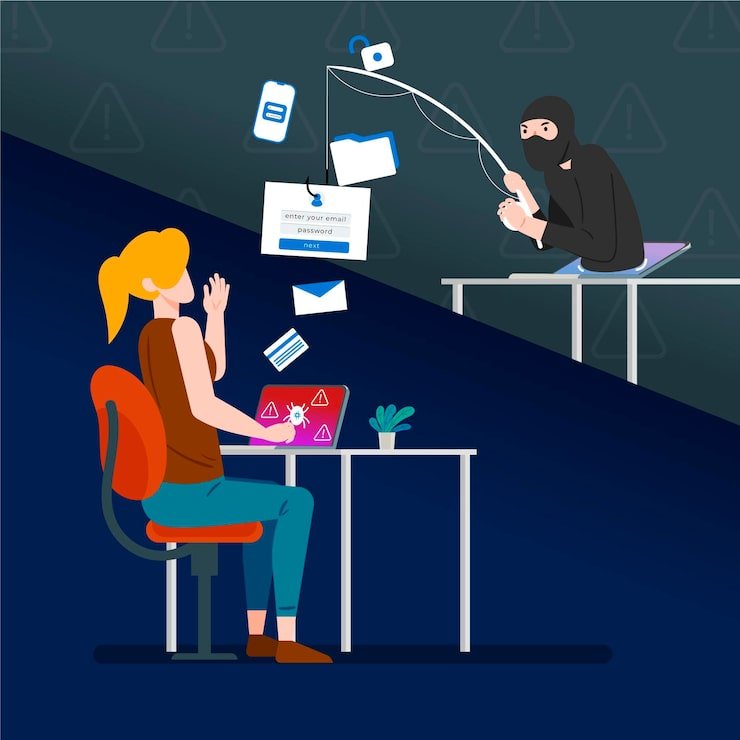
It happens to smart, careful people every day. If you are worried about what to do if you clicked on a phishing link, stay calm and act quickly. The steps depend on what happened after the click.
If You Only Clicked and Did Nothing Else
Often, simply clicking a link doesn’t do harm by itself, especially if the page didn’t ask for anything. Close the page, don’t enter any details and don’t download anything. Run a security scan on your device to be safe, and keep an eye out for unusual activity.
If You Entered a Password or Login
Change the password immediately, ideally from a different, trusted device. Do this for any other account that uses the same password. Turn on multi factor authentication, and check your account’s recent activity and settings for anything you don’t recognize, such as new forwarding rules or unfamiliar logins. Sign out of all other sessions if the service offers that option.
If You Shared Bank or Card Details
Contact your bank or card provider right away, using the number on the back of your card. Ask them to block or replace the card and review recent transactions. Keep an eye on your statements over the coming weeks.
If You Downloaded a File or Installed Something
Disconnect the device from the internet, then run a full scan with trusted security software. If it is a work device, tell your IT team immediately. If you can’t clean it with confidence, get professional help, since some malware is hard to remove.
If You Shared Personal Information
If you gave away details such as your date of birth, national ID or social security number, consider placing a fraud alert or credit freeze with the credit reporting agencies, and monitor your credit reports for suspicious activity. Rules and options vary by country.
Report It
Reporting helps protect others. In the United States, you can report scams at ReportFraud.ftc.gov, and forward phishing emails to reportphishing@apwg.org. In the United Kingdom, forward suspicious emails to report@phishing.gov.uk and forward suspicious texts to 7726. If you are somewhere else, check your national cyber security or consumer protection agency, and tell your email provider using the report phishing option.
Protecting Families and Older Relatives
Scammers often target people who are less familiar with technology, so it is worth having a conversation. Explain the main warning signs, set up multi factor authentication together and agree on a simple rule: if anyone asks for money or codes urgently, they should call a family member first. A short, calm chat can prevent a lot of pain.
Phishing at Work
Businesses are major targets. Staff should know how to report suspicious messages quickly, and companies benefit from regular awareness training, strong email filtering and clear approval steps for payments and bank detail changes. A culture where people feel safe reporting a mistake is far more effective than one that blames them.
Final Thoughts
Phishing is not a sign that you are careless. It is a business built by professionals to take advantage of ordinary human reactions. You can’t eliminate the risk completely, but you can lower it a great deal. Slow down, check the sender and the link, use multi factor authentication, keep your software updated and verify anything unusual through another channel. And if you do get caught out, act fast, change your passwords, call your bank and report it. Quick action makes a big difference.
This article is for general information only. For advice on your specific situation, contact your bank, your employer’s IT team or a qualified security professional.
Frequently Asked Questions
What are phishing scams in simple terms?
Phishing scams are fake messages that pretend to come from a trusted source in order to steal your information or money. They can arrive by email, text, phone call or even a QR code.
How can I spot a phishing email quickly?
Check the sender’s real address, look for urgency or threats, hover over links to see where they lead and be wary of unexpected attachments or requests for sensitive information. If in doubt, contact the company directly.
What should I do if I clicked on a phishing link?
Close the page without entering anything and scan your device. If you entered a password, change it right away from a safe device and turn on multi factor authentication. If you shared card details, call your bank immediately.
Can phishing happen on a phone?
Yes. Text message scams, fake apps, phone calls and malicious QR codes all target mobile users. Apply the same caution on your phone as you would on a computer.